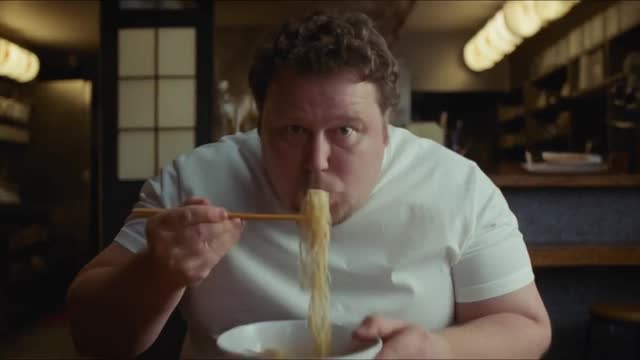
Crop the wide take to 9:16 around the tracked face, the face centre at 38 percent of the height.
Reframe around the face
The speaker stays where the eye expects, whatever the aspect ratio.
- Use when
- A wide take cut to vertical; any multi-format delivery.
Prompt instructions
Give me an edit brief: where it goes on the timeline, the exact settings, and what to check before export, for a short video about [your product], for [your audience]. The technique is reframe around the face: the speaker stays where the eye expects, whatever the aspect ratio. How it works: crop the wide take to 9:16 around the tracked face, the face centre at 38 percent of the height. It is right for: a wide take cut to vertical; any multi-format delivery. Measured face positions in the references: 18 percent of the height on a stacked board, 23 percent in a hook over a lower panel, about 48 to 50 percent in full-frame selfie and locked shots. Without face detection the crop is centred: look at three preview frames for a whole head. Be concrete: numbers, seconds and settings, no theory. Ask me one question first if something you need is missing.
The same prompt works in Claude, ChatGPT and Gemini.