Camera moves
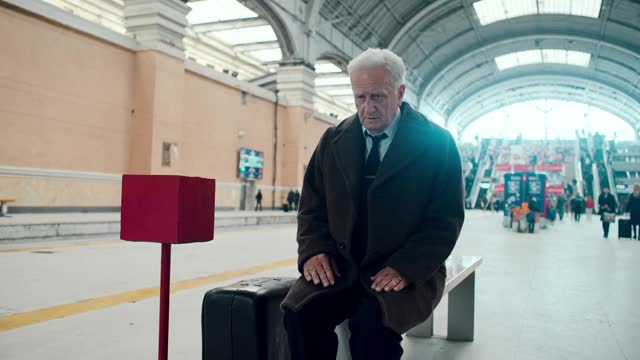
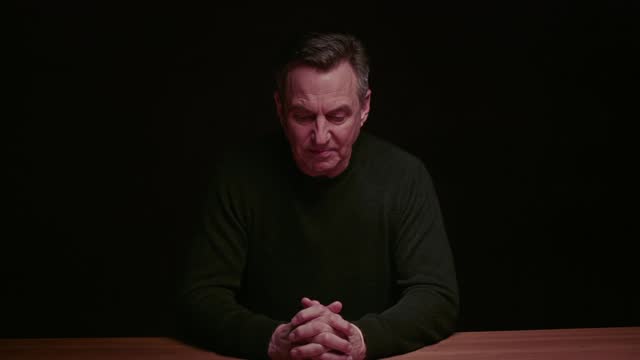
Slow zoom out
Reveals context around a subject; what seemed central becomes small.
- Use when
- Ending a video, showing a person is not alone, revealing the setting.
Prompt instructions
Not run by us yet, so no prompt: Kling 4.0, Wan 2.7, Minimax Hailuo, Grok Imagine 1.5.
Scene: [your subject] in [your setting]. Shot 1 (0:00 to 0:05): one continuous shot Optics and camera: Slow zoom out from the cup on the table until the whole café is in frame, the camera stays in place. Camera: stays put while the lens widens. Pace: slow and even. Keep: the main subject readable as the surroundings appear. Ends: a calm wider frame. Reference clip (Slow zoom out): https://directorchair.ai/media/aicameramovements/5b-slow-zoom-out-hq.mp4
Seedance 2.5 reads labelled blocks with timecodes.
Reference clip by AI Camera Movements, shown with permission.